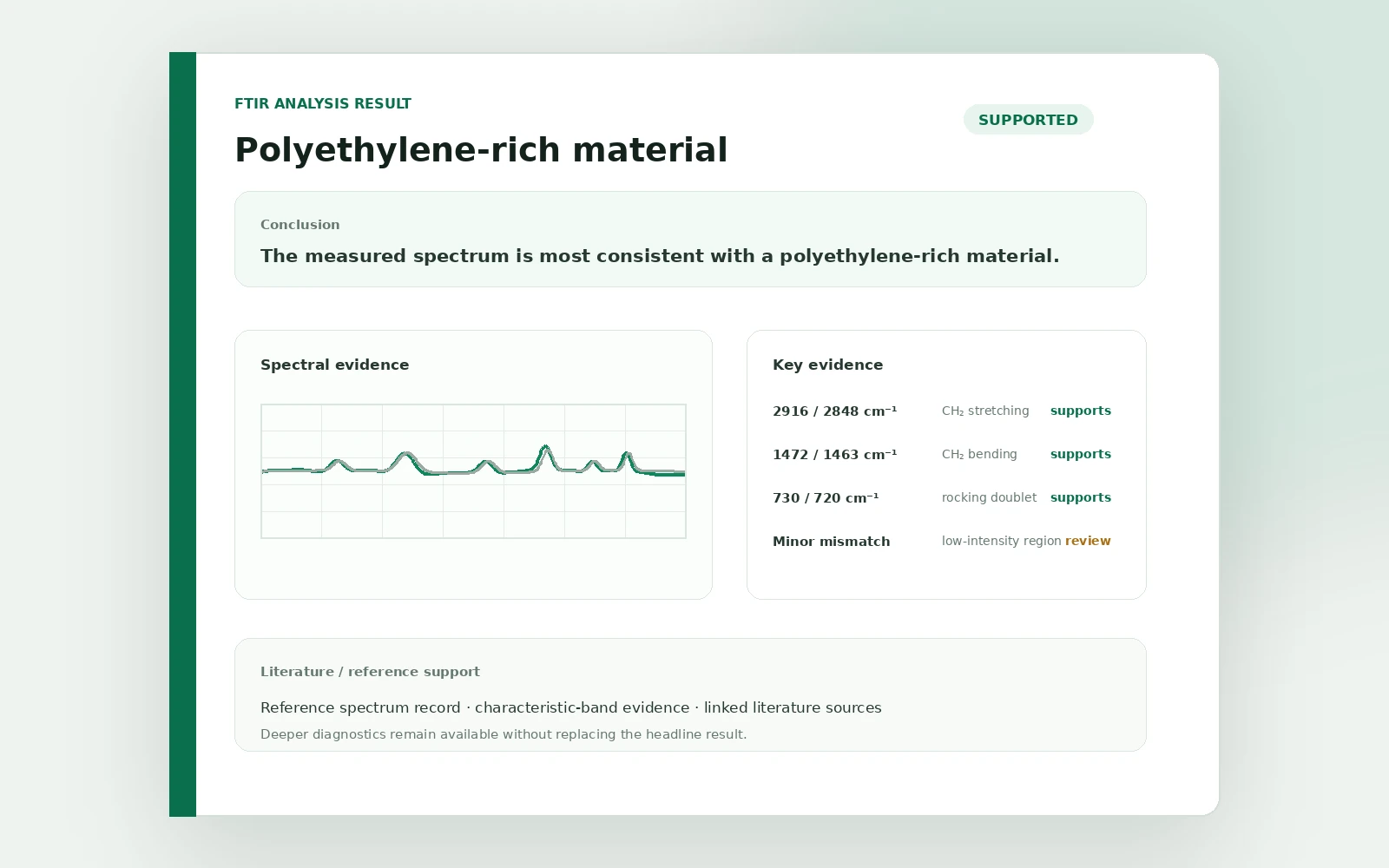
Quality control
Check incoming samples against a qualified reference baseline.
Build a reference library from qualified historical batches, then compare incoming samples with graded spectral and numerical evidence. Keep a dated QC history for traceability and internal review.
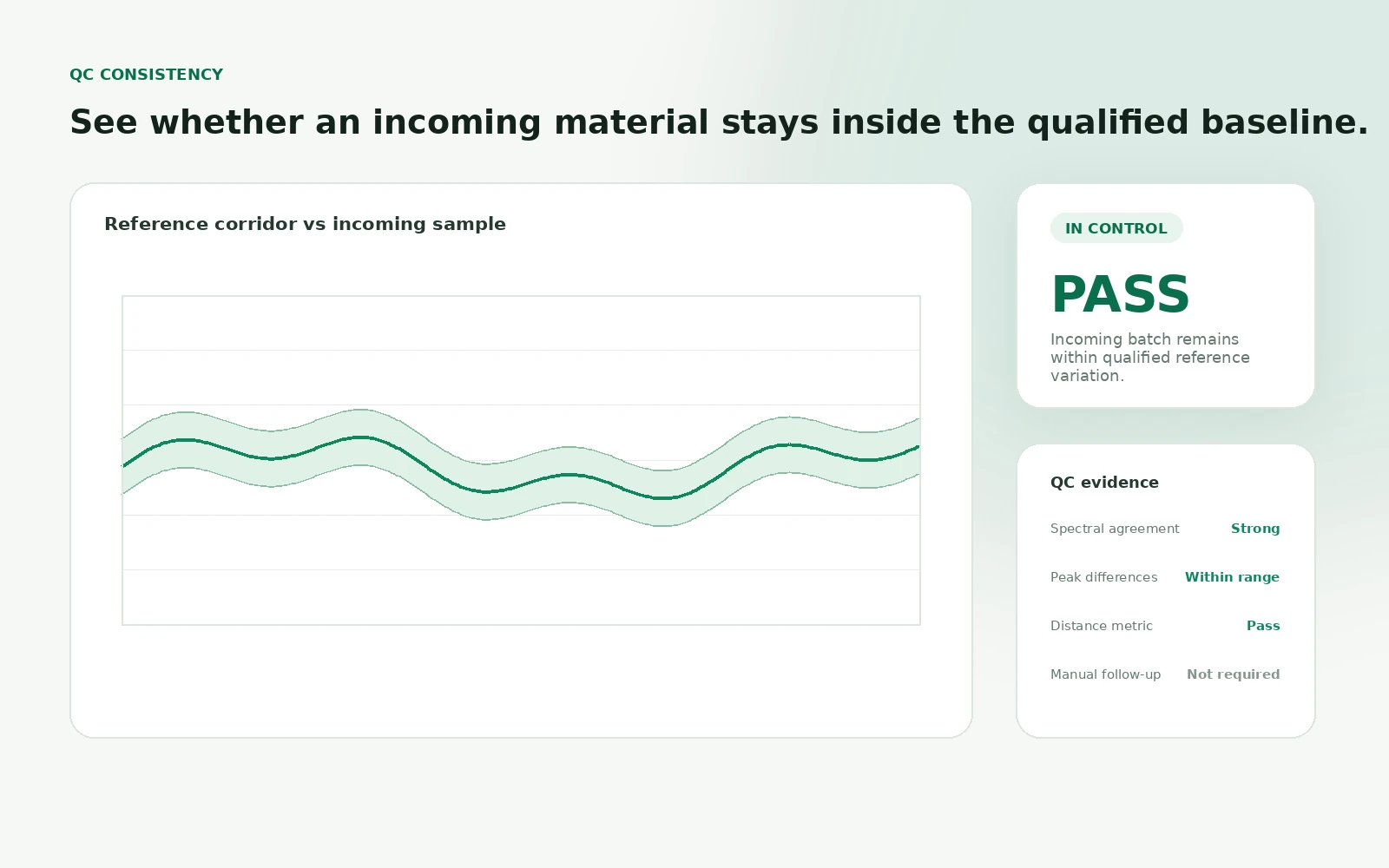
Reference library
Your baseline of qualified batches.
Upload FTIR files from qualified historical batches of the same material. By default, the workbench uses similarity for 1–19 references, PCA for 20–49, and a SIMCA-style class model from 50 references; deployments can override these thresholds.
- 1–19 references: similarity mode by default
- 20–49 references: PCA mode by default
- 50+ references: SIMCA-style class model by default
- Monitoring windows for important spectral regions
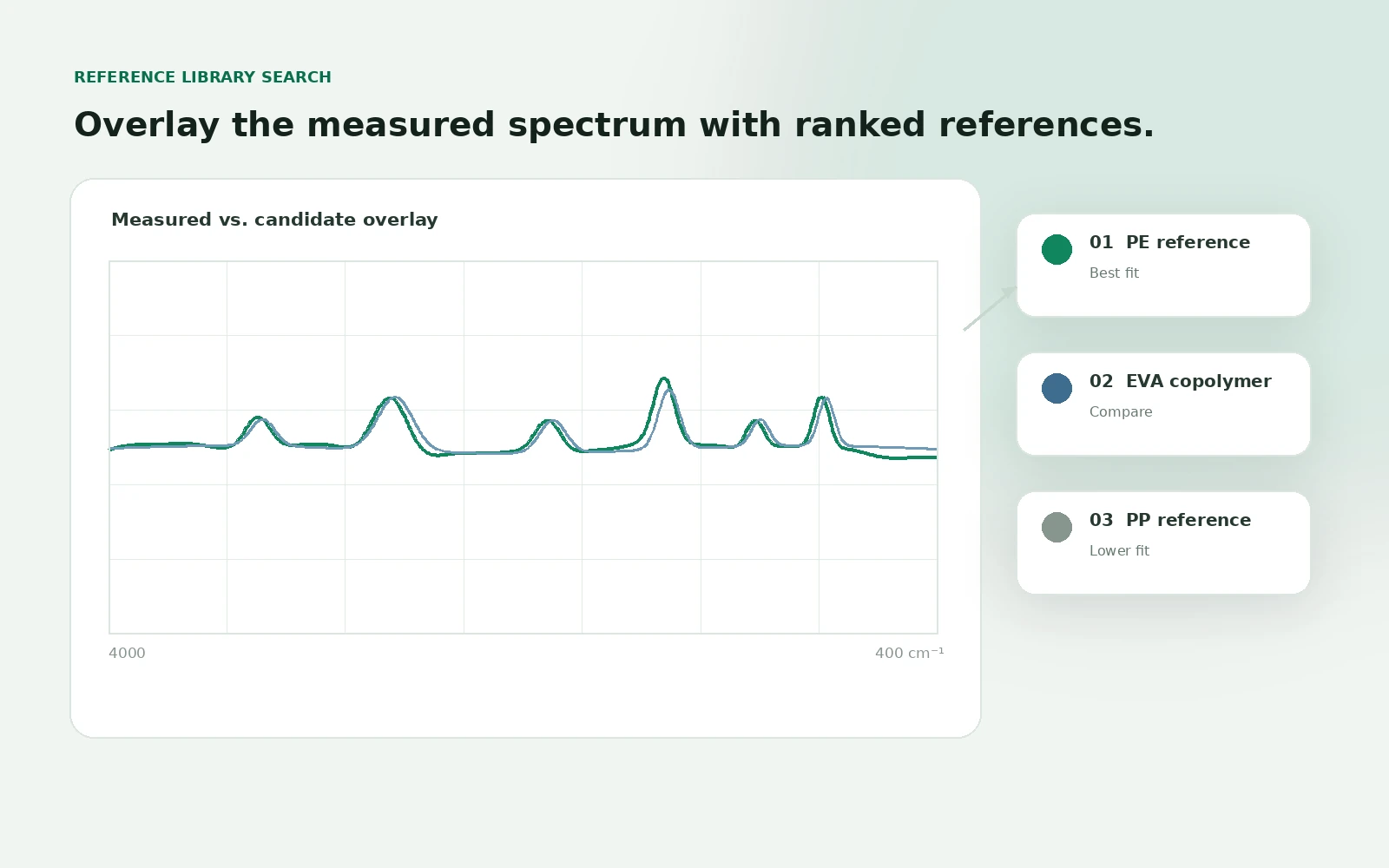
Result with evidence
A graded result, with the evidence behind it.
Review the active result label together with the spectral overlay, difference peaks, similarity score, and multivariate diagnostics when applicable. The result supports QC review; it does not replace your laboratory SOP or release decision.
- Spectral overlay: incoming sample vs reference pattern
- Difference peaks with wavenumber positions
- Similarity or multivariate diagnostics, depending on mode
- Dated QC history for traceability