
Power on the Gateway
Connect power and allow the Gateway to establish its IoT connection.
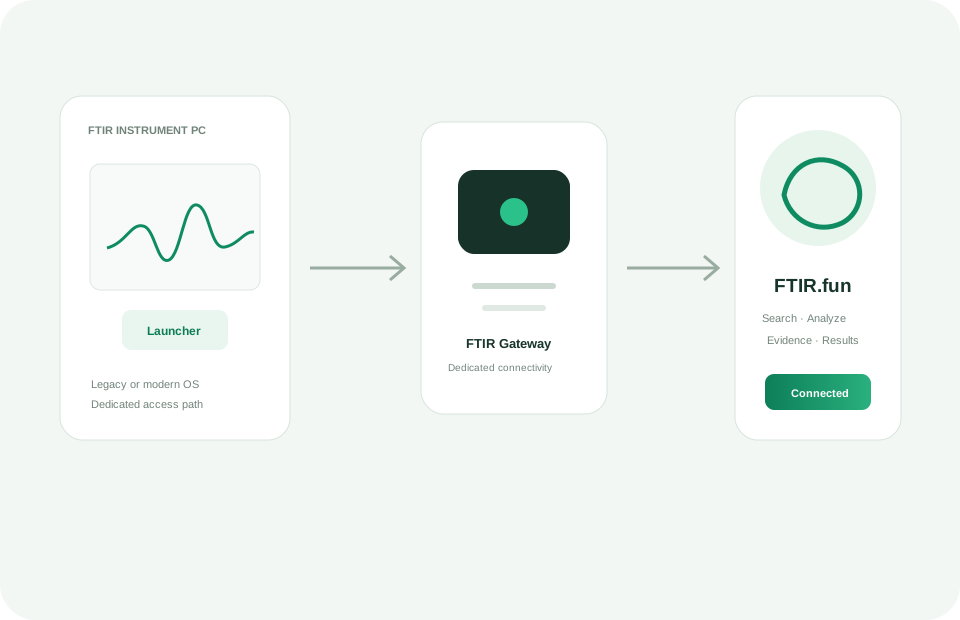
Use the FTIR Gateway where the instrument PC cannot have general internet access. The Gateway provides its own connection to FTIR.fun while general web access through that connection remains restricted.
Connect power and allow the Gateway to establish its IoT connection.
Use the Gateway Wi‑Fi network or LAN connection according to the setup instructions supplied with the unit.
Open a browser or supported access client on the instrument computer and use FTIR.fun through the Gateway.