FTIR Launcher — Dedicated Browser
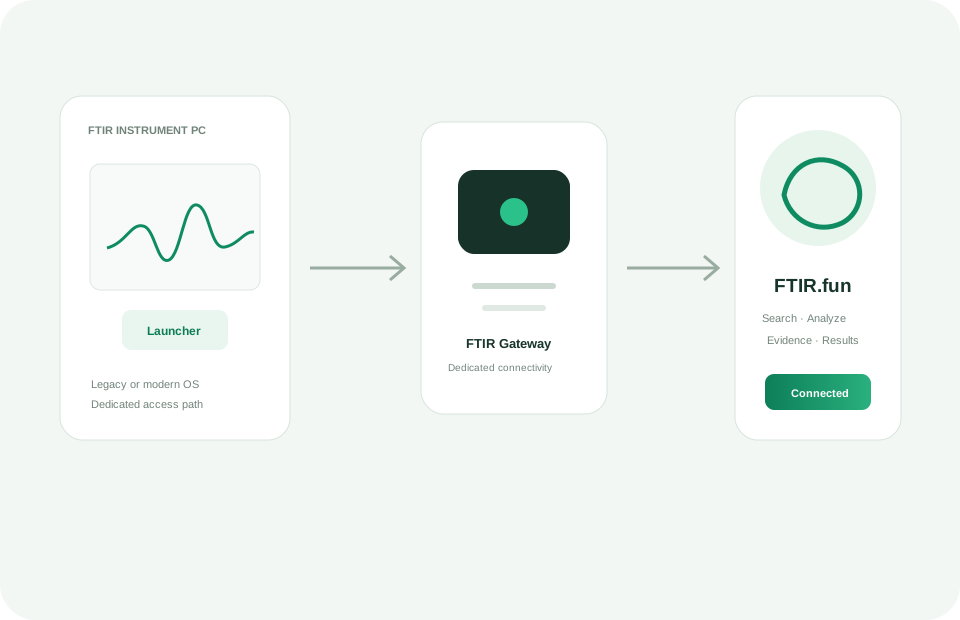
FTIR Launcher is a dedicated browser for ftir.fun. It bundles a modern Chromium engine so Windows 7/8.1 users can access the full platform without needing to find an older browser, and provides direct device-level access for connected FTIR instruments.
Why use the dedicated browser?
- Windows 7 / 8.1 ready — bundles a modern Chromium engine so you don't need to find and install an older browser yourself.
- Instrument integration — automatically identifies connected FTIR hardware via device fingerprinting.
- Focused access — only ftir.fun services, no distractions or unintended navigation.
- No installation required — portable executable, runs directly.
Downloads
How to use
- Windows: Download the .exe file and double-click to run. No installation required.
- macOS: Download the .zip, unzip it, and open the app. You may need to allow it in System Preferences → Security.
- Linux: Download the .AppImage, make it executable (chmod +x), and run it.
The launcher only allows access to ftir.fun and its subdomains. All other network requests are blocked by design.