Browser
Use FTIR.fun directly from an internet-connected computer.
- No installation
- Full web workflow
Use a browser when the instrument computer is already online, the FTIR Launcher on supported computers, or the FTIR Gateway where general internet access is restricted.
Use FTIR.fun directly from an internet-connected computer.
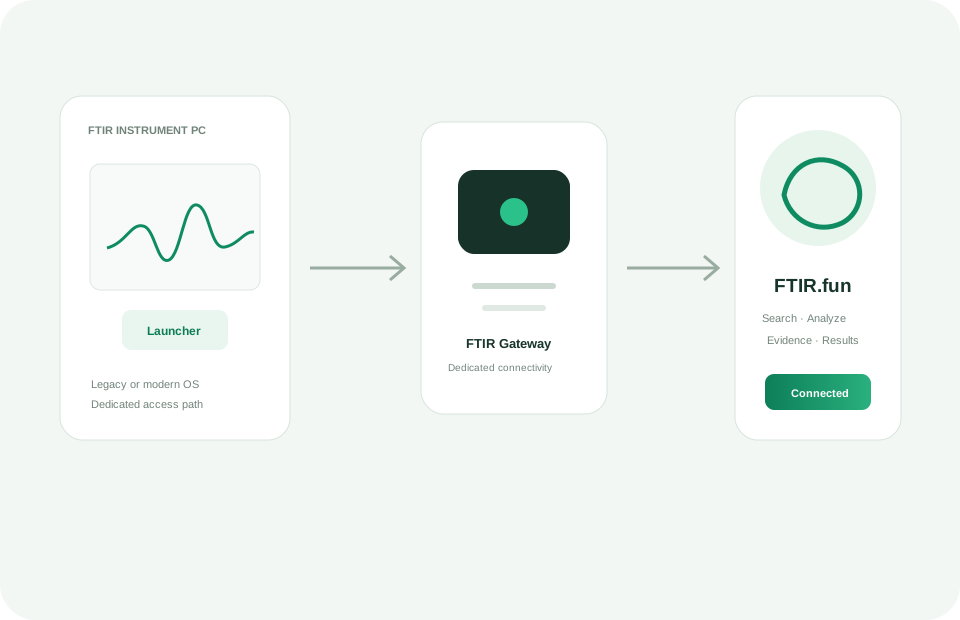
Use the Launcher on supported legacy or modern instrument computers when the installed browser is unsuitable.
Use the Gateway to connect a restricted instrument computer to FTIR.fun without giving that connection general web access.
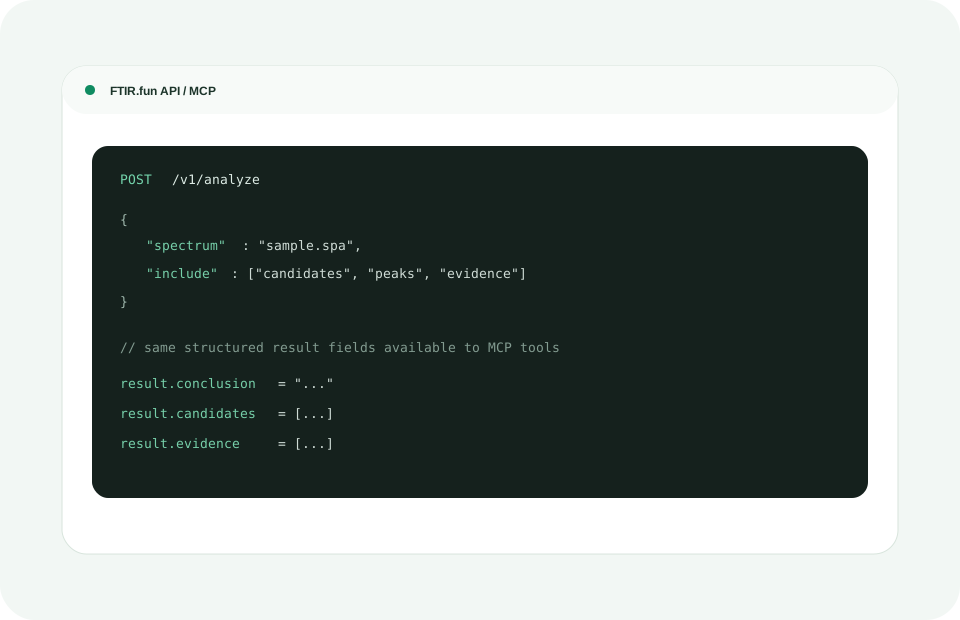
REST API and MCP let laboratory software and AI-assisted workflows submit FTIR jobs and receive structured results.
Explore API & MCP